Google Meet Personalised Backgrounds
£50.00
Video calls are here to stay as the pandemic spreads. If you have a birthday coming up, an online get-together with friends, or a video call quiz night planned, why not personalise your video interactions with a Microsoft Teams Personalised Background? Why not make those special moments that must be conveyed via video calling app a little more fun? It’s possible you didn’t realise it. In person, you would buy decorations to make the occasion feel more spectacular, and we believe Microsoft Teams video meetings should do the same. Let us know about the event, as well as any photos, graphics, or text you’d want to include, and we’ll do the rest.
Due of the present global pandemic, we’re all using video calling to keep connected as much as possible. We’ve started using programmes like Microsoft Teams to commemorate key milestones. Why not utilise a Google Meet Personalised Background for your next unique video conversation instead of a standard living room, bedroom, or living environment? Here are a few scenarios in which having a customised background for your next video call could be advantageous.
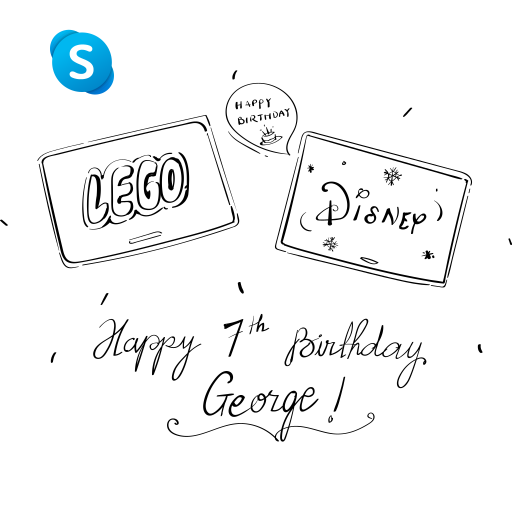
- Online Get-togethers for birthdays.
- It is possible to have face-to-face video talks with the complete family.
- Video call quizzes are available to graduates.
- Friendship get-togethers in the comfort of one’s own home.
- Live-streaming platforms include YouTube, Facebook, and Twitch.
Make your backdrops unique and tell us what you’d want to accomplish with them. Then we can start to work on customising Microsoft Teams backgrounds to make your next video session more engaging and fun.